

Sheet switching, table view, search, and pagination.
The Excel viewer is built for practical workbook review, including multi-sheet inspection.
Why it works well in VS Code / Cursor
It works well for inspecting generated XLSX/XLS outputs during development.
What you can do
- Lets you switch across workbook sheets.
- Carries over parts of cell styling such as alignment, colors, borders, and wrapping.
- Respects merged cells with row/column spans.
- Limits render size for very large sheets and shows a warning.
- Uses row heights and column widths from sheet metadata when available.
Supported formats
XLSX, XLS
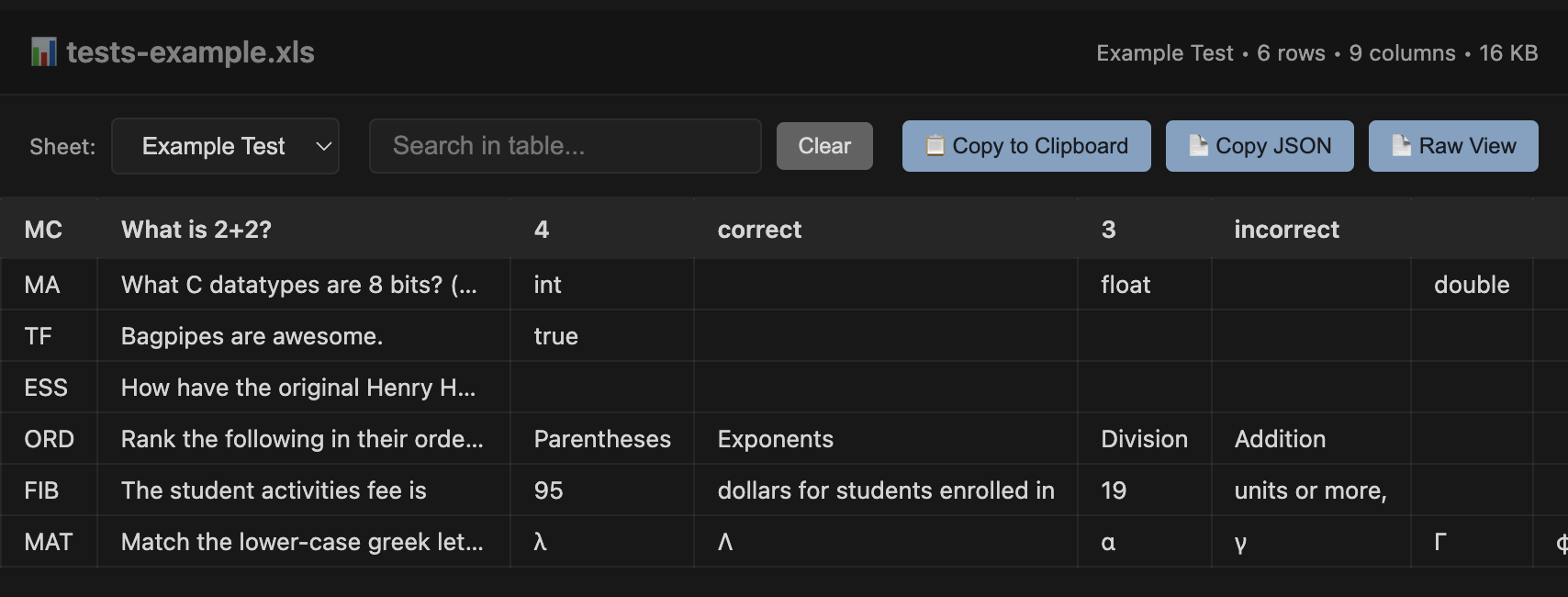
Screen showing Excel in VS Code / Cursor.