

Image viewing with zoom, rotate, flip, and basic editing tools.
The image viewer supports inspection-oriented controls such as zoom, rotate, and simple editing aids.
Why it works well in VS Code / Cursor
It helps when you need to inspect image assets inside a project.
What you can do
- Provides zoom, reset, rotate, and flip controls.
- Supports brush, eraser, line, rectangle, circle, and text markup tools.
- Includes color presets, color picker, brush size control, undo, and clear.
- Adds background removal with original restore.
- Supports grid overlay, sprite contour detection, object saving, and PNG export flows.
Supported formats
JPG, JPEG, PNG, GIF, BMP, WebP, SVG
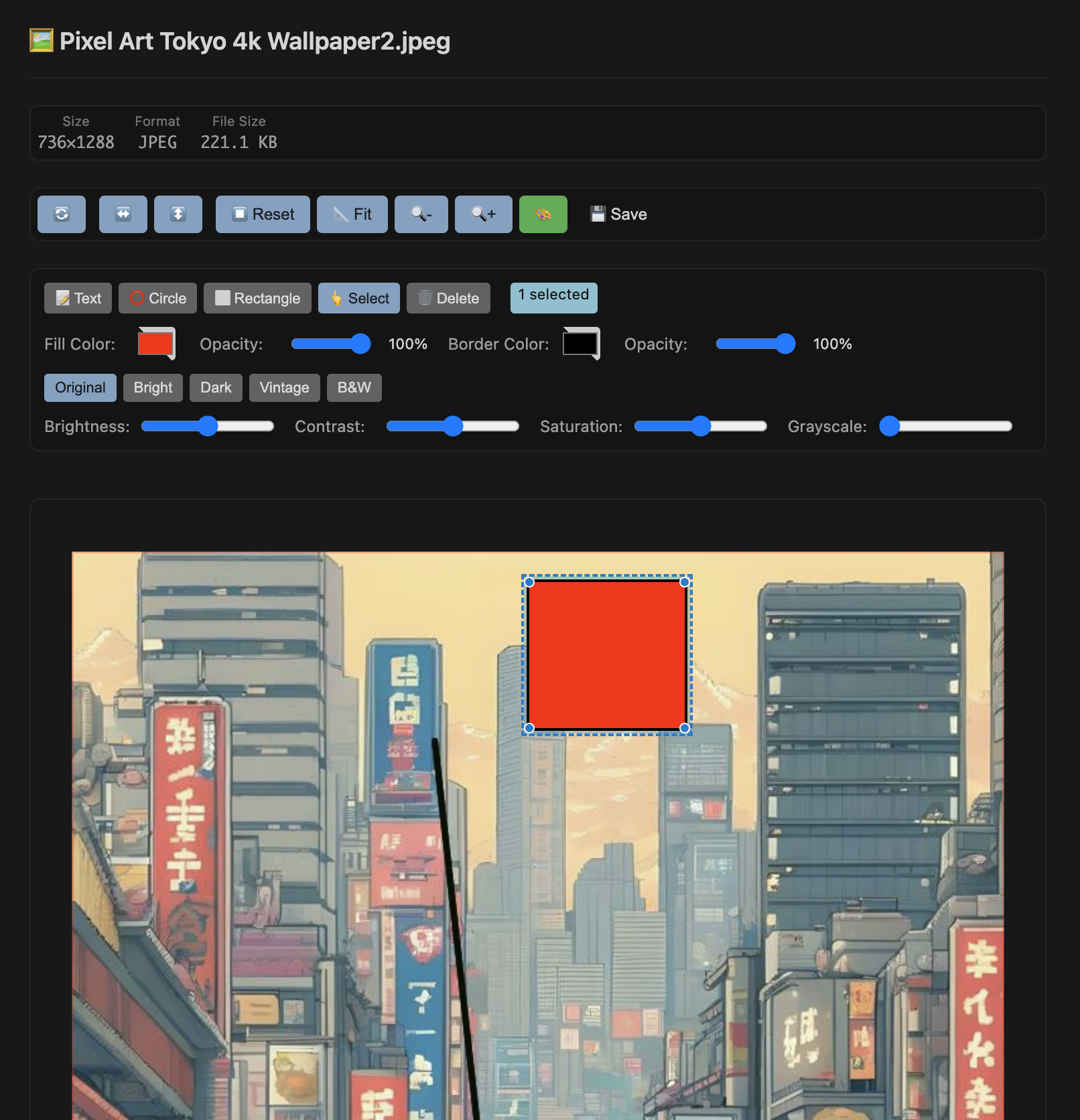
Screen showing Image in VS Code / Cursor.