

Line list, JSON preview, search, and pagination.
The JSONL viewer is well suited for line-oriented data, logs, and AI dataset inspection.
Why it works well in VS Code / Cursor
It is especially valuable because developers often work with JSONL files directly.
What you can do
- Parses every line and tracks parse errors per record.
- Marks empty or invalid JSON lines explicitly.
- Searches both raw lines and pretty-printed JSON.
- Shows syntax-highlighted JSON in a hover popover.
- Supports page sizing and pagination for long files.
Supported formats
JSONL, NDJSON
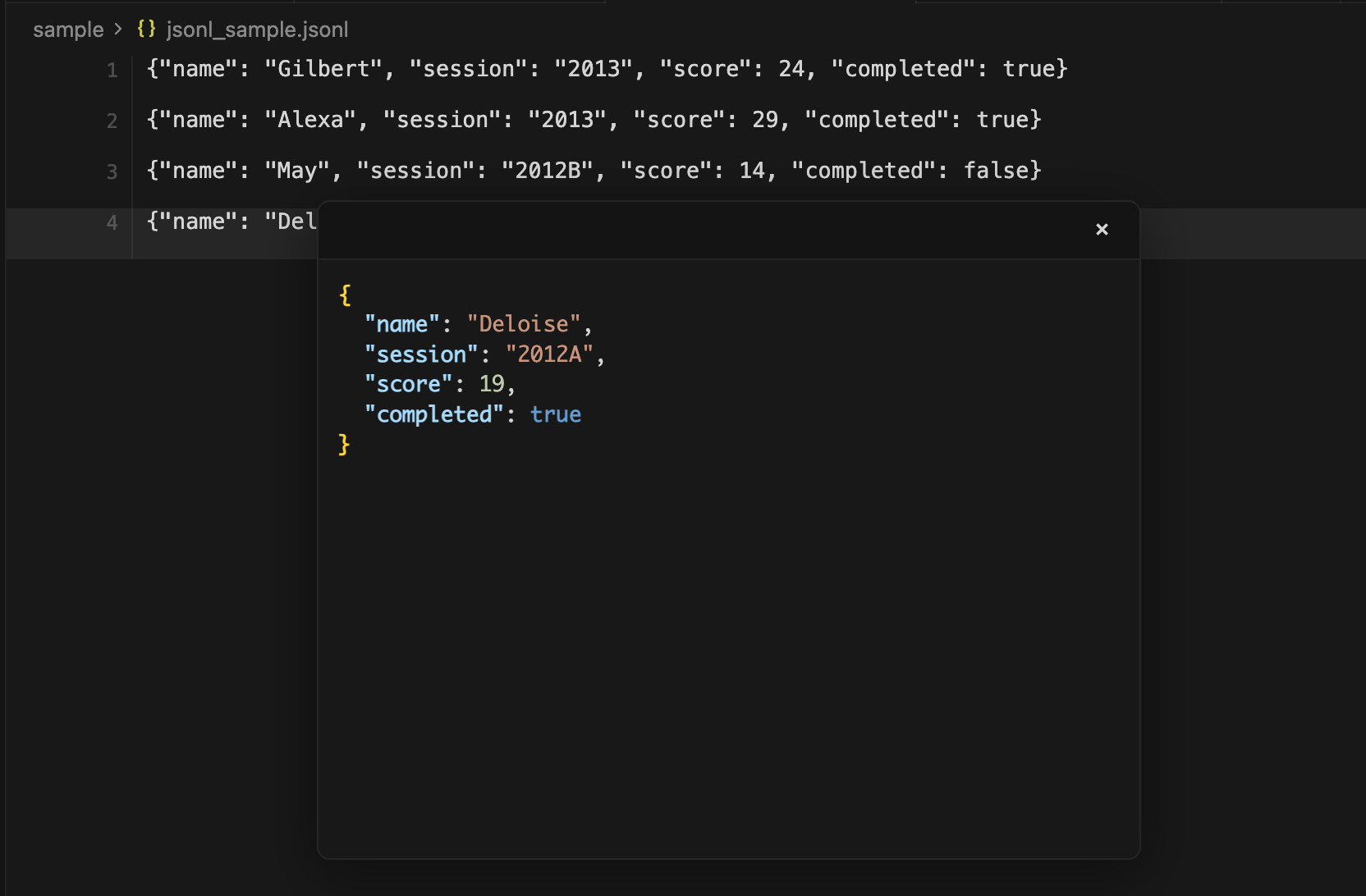
Screen showing JSONL in VS Code / Cursor.