

Page-by-page view, zoom, text/signature annotations, drag-to-reorder pages, and PDF merge (upload 2 files).
The PDF viewer combines reading, navigation, annotation, and document handling features, making it one of the most practical viewers in Omni Viewer.
Why it works well in VS Code / Cursor
It helps you inspect generated or attached PDFs inside the editor workflow.
What you can do
- Renders page canvases and thumbnails with pdf.js.
- Re-renders pages when zoom changes.
- Supports thumbnail drag-and-drop page reordering.
- Places text and signature overlays with move and rotation before saving.
- Handles merge input, edited download, and editing fallbacks for unsupported files.
Supported formats
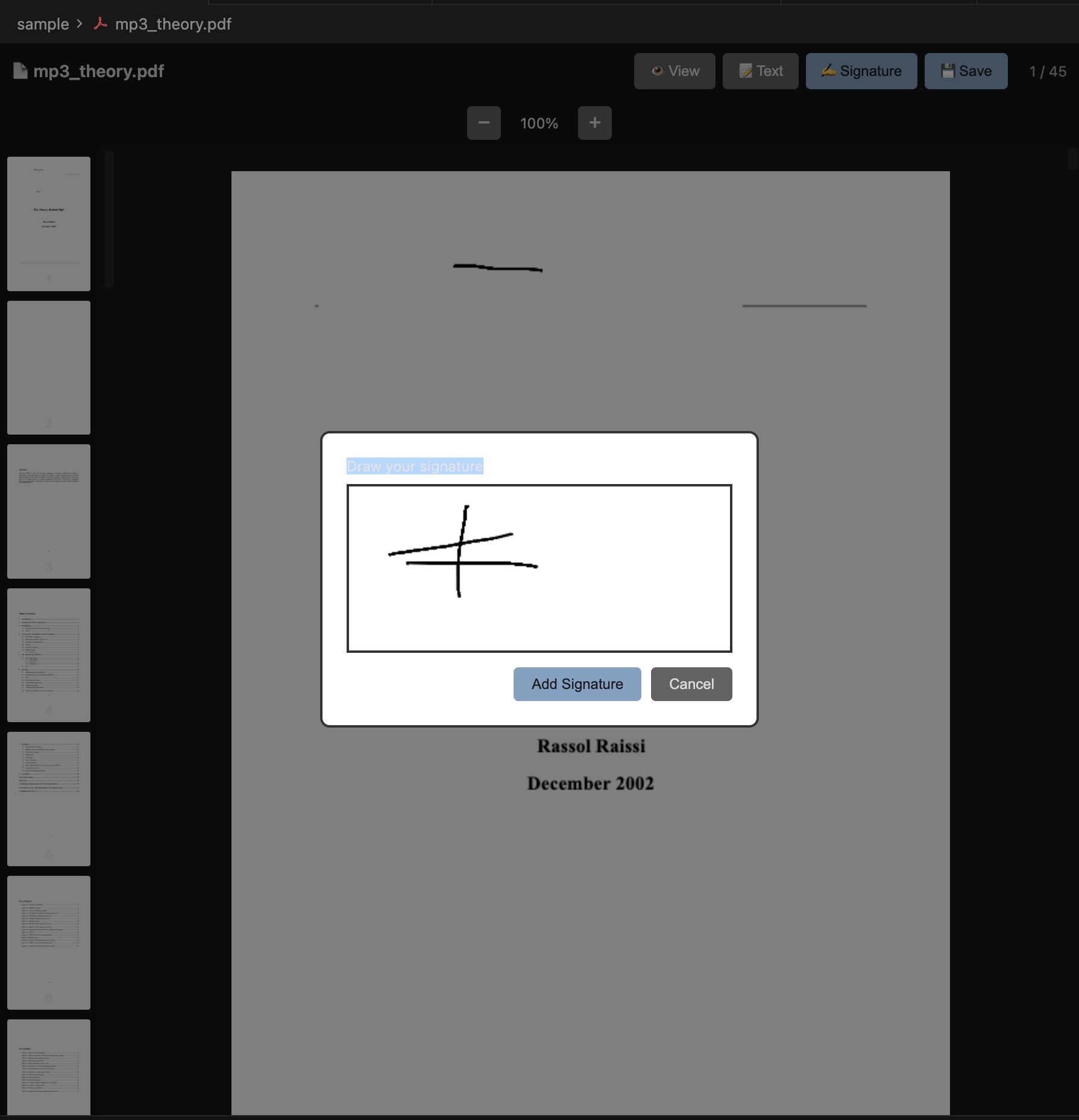
Screen showing PDF in VS Code / Cursor.