

Video playback with seek, speed control, and fullscreen.
The video viewer focuses on practical review tasks such as seeking, speed adjustment, and fullscreen playback.
Why it works well in VS Code / Cursor
It keeps video asset review inside the editor while you work.
What you can do
- Displays current time and total duration after metadata loads.
- Separates play/pause from stop for restart-oriented review.
- Lets you click a custom progress bar to seek.
- Includes volume and speed controls from 0.5x to 2x.
- Supports fullscreen playback and explicit load/play error messaging.
Supported formats
MP4, AVI, MOV, WMV, FLV, WebM, MKV
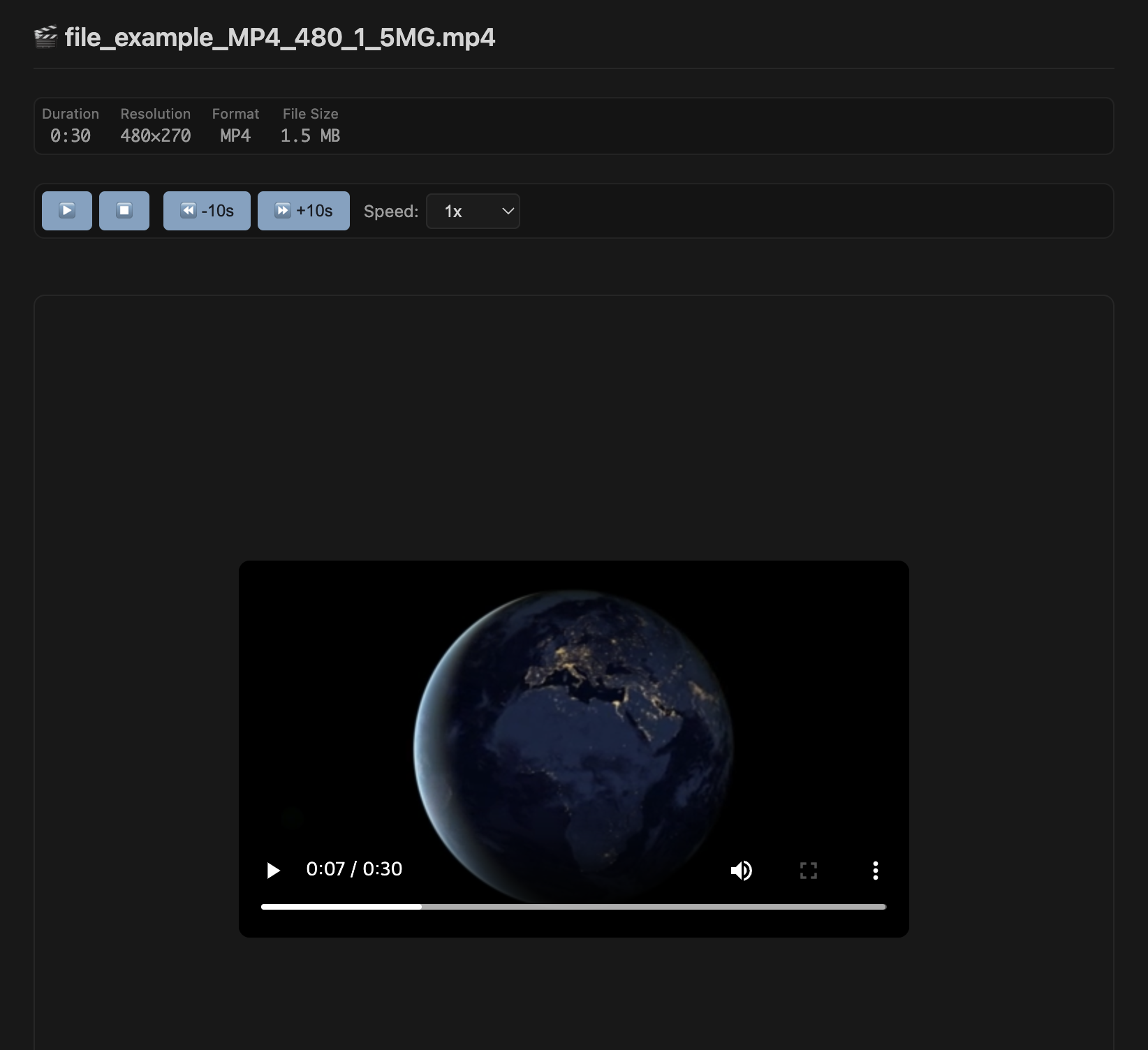
Screen showing Video in VS Code / Cursor.