

DOCX/DOC document preview.
The Word viewer focuses on fast content inspection for DOCX and legacy DOC documents.
Why it works well in VS Code / Cursor
It fits workflows where documents are generated or reviewed alongside code.
What you can do
- Open DOCX/DOC files directly inside JetBrains IDE without switching to another app.
- Review core document structure such as paragraphs, lists, and tables in a readable layout.
- The viewer adapts automatically so partially broken documents can still be inspected as much as possible.
- Helpful warnings are shown when some parts of a document cannot be rendered exactly.
- Zoom in/out support helps you inspect small text and document details more comfortably.
Supported formats
DOCX, DOC
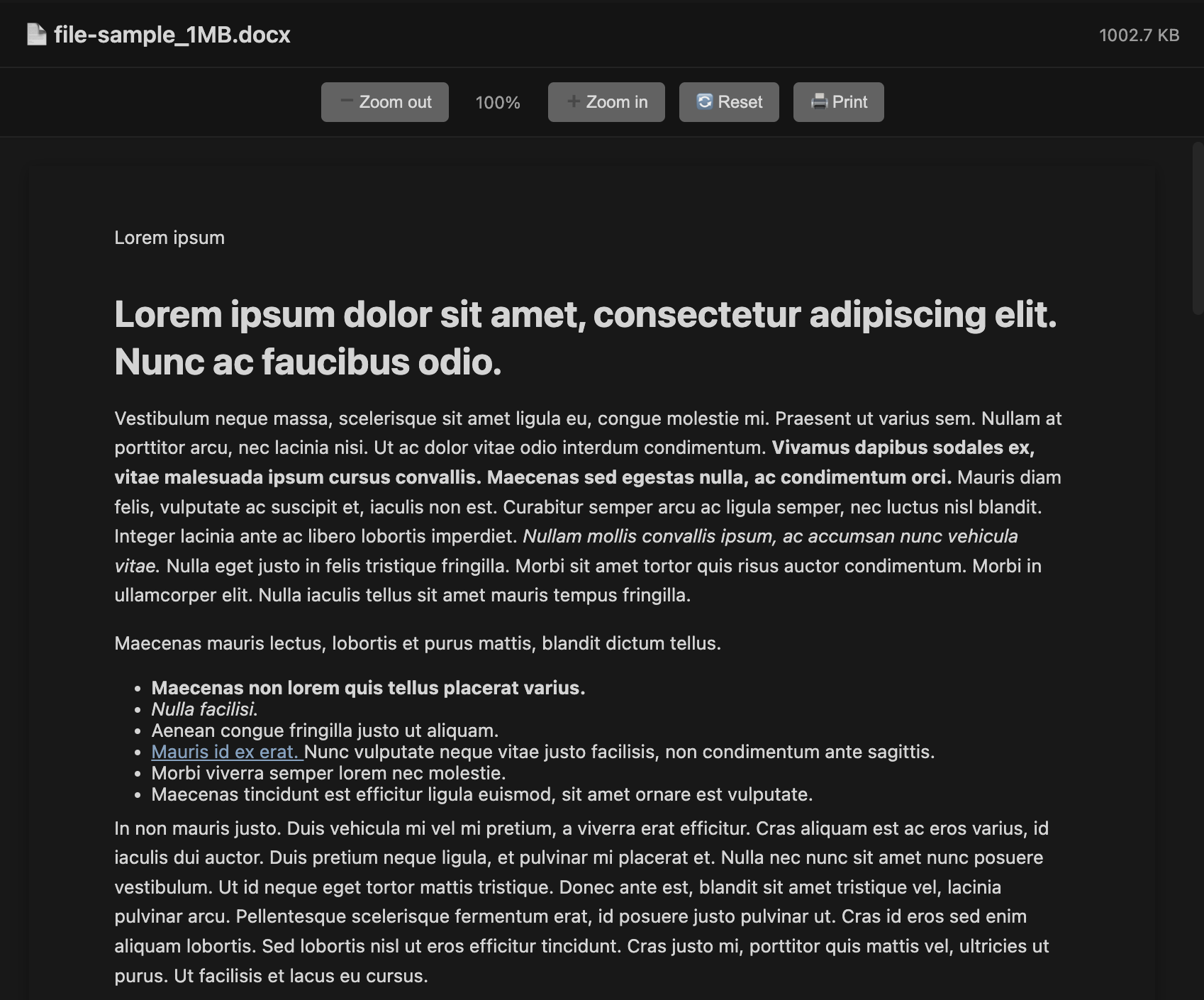
Screen showing Word in VS Code / Cursor.